Onboarding
Three quick questions help recommend a starting pack based on drawing experience, whether Adobe Fresco® is installed, and what the learner wants to improve.
Drawing lessons for Adobe Fresco®
Frescolearn guides beginners through short, structured lessons that pair drawing fundamentals with concrete Adobe Fresco® tool instructions.
The loop
Three quick questions help recommend a starting pack based on drawing experience, whether Adobe Fresco® is installed, and what the learner wants to improve.
The main tab keeps the next unfinished lesson, active pack progress, current streak, and available packs in one continuation point.
Completed lessons, daily streaks, pack progress, and earned badges give learners a clear sense of forward motion.
Curriculum
Adobe Fresco® basics, mark-making, line control, simple shapes, gesture, and a first object.
Spheres, cubes, cylinders, proportion, negative space, and still life construction.
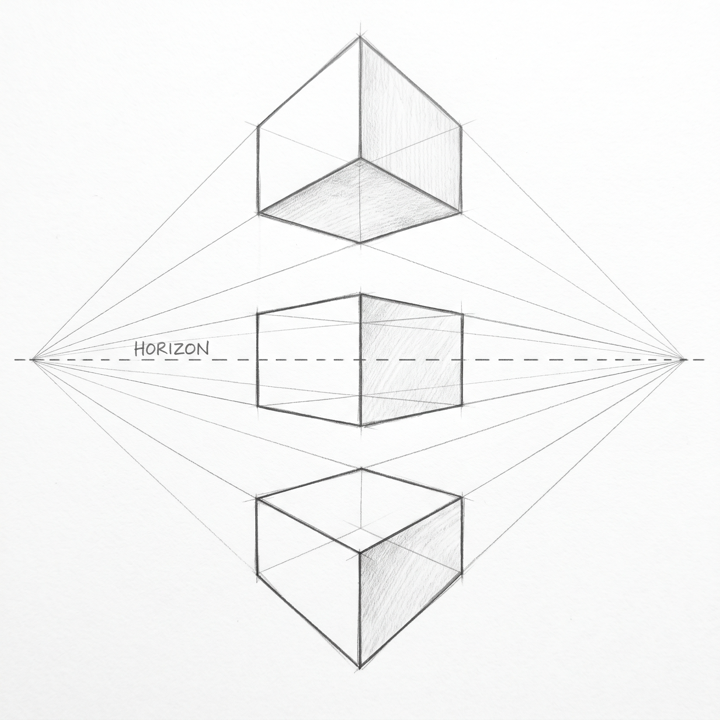
Horizon lines, one-point and two-point perspective, rooms, streets, and atmospheric depth.
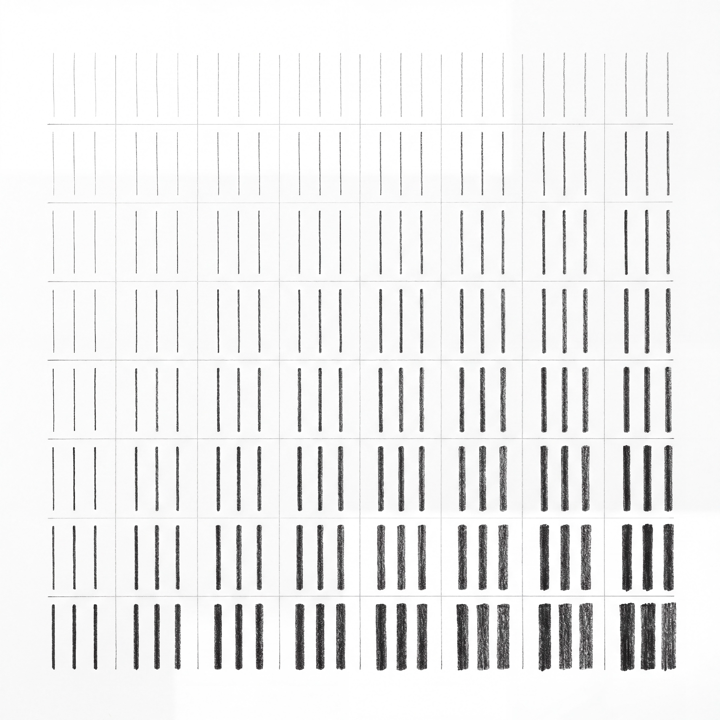
Value scales, shaded forms, hatching, blending, cast shadows, and a full still life.
Head shape, proportions, features, expressions, body proportions, and a simple character.
Lesson examples

Privacy
Frescolearn is designed around local progress storage. Onboarding completion, recommended pack, completed lessons, streaks, and badges stay on the device unless a future app release clearly explains otherwise.
Read the full Privacy Policy and Terms of Use.